Copy and Paste Articles
The Copy and Paste Library, located in the Manager, contains a collection of unformatted Banzai library content equalling roughly over 150 resources. This feature lets you copy, paste, and revise Banzai articles as needed. Use it to improve marketing campaigns or provide an even more educational experience for your site's visitors.
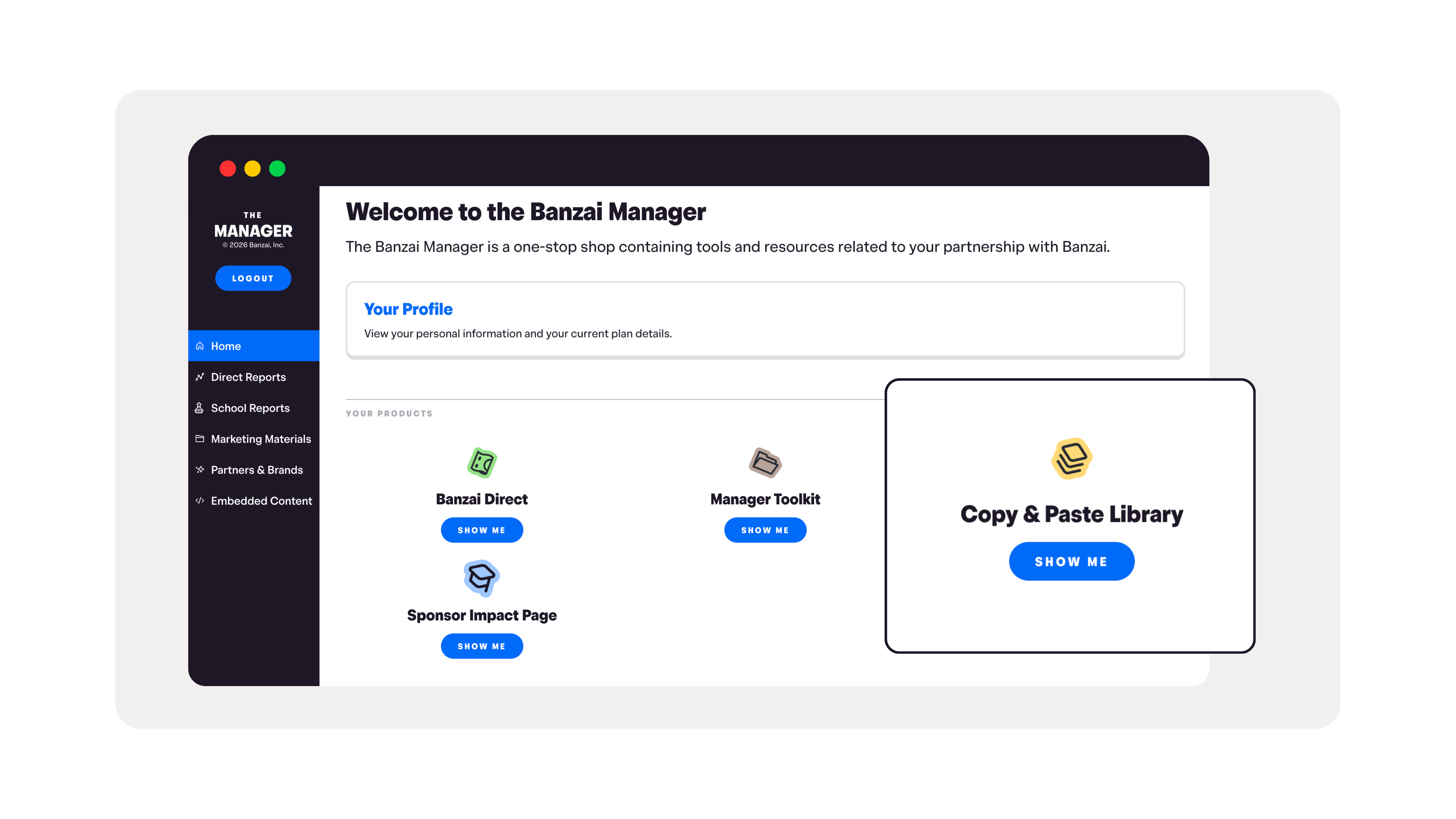
You can access the Copy and Paste Library by navigating to the Copy & Paste Library on the quick links tab of your Manager.
Technical Setup
Reusing Banzai content boosts your site's SEO when you include an attribution link back to your co-branded Wellness Center. This signals to Google that your content is a republication (not duplication) and encourages more organic traffic to both pages.
There are two ways to attribute:
Option 1: Canonical Tag (Recommended)
Add a <link rel="canonical"> to the <head> of your page, pointing at your Wellness Center version of the article:
<link rel="canonical" href="https://{your-subdomain}.banzai.org/wellness/resources/{page}" />
If your page already has a canonical tag, you can update its href value instead of adding a new one.
Option 2: Text Attribution
If you don't have access to the underlying HTML, add a text attribution at the bottom of the page:
"This article has been republished with permission. View the original article:
{Article Title—Linked}"
Link the article title back to your Wellness Center source URL (e.g. {your-subdomain}.banzai.org/wellness/resources/{page}).
Why This Matters
Google and other search engines will quickly discover that the content on your website is a duplicate of your Wellness Center's pages. Attribution helps search engines recognize the relationship as legitimate republication, preventing your site from being flagged for duplicate content and driving more organic traffic to both pages.