Offers
Offer products or services to people who complete courses, Coaches, or other Banzai activities. Direct lets you do this in the form of Offers. Offers can appear in a series of designated places throughout any of the interactive Coaches or courses within the Wellness Center.
Your Banzai Representative can also send you an Excel sheet/guide that helps plan Offers across your site.
How Offers Differ from CTAs
CTAs appear on articles and resources to drive immediate action. Offers appear at decision points inside Coaches and courses—usually after a member has just engaged deeply with a topic. The result: Offers tend to convert better, because the member is already invested.
Two Outcome Options
Like CTAs, Offers have one of two generated pathways. These outcomes can vary between resources.
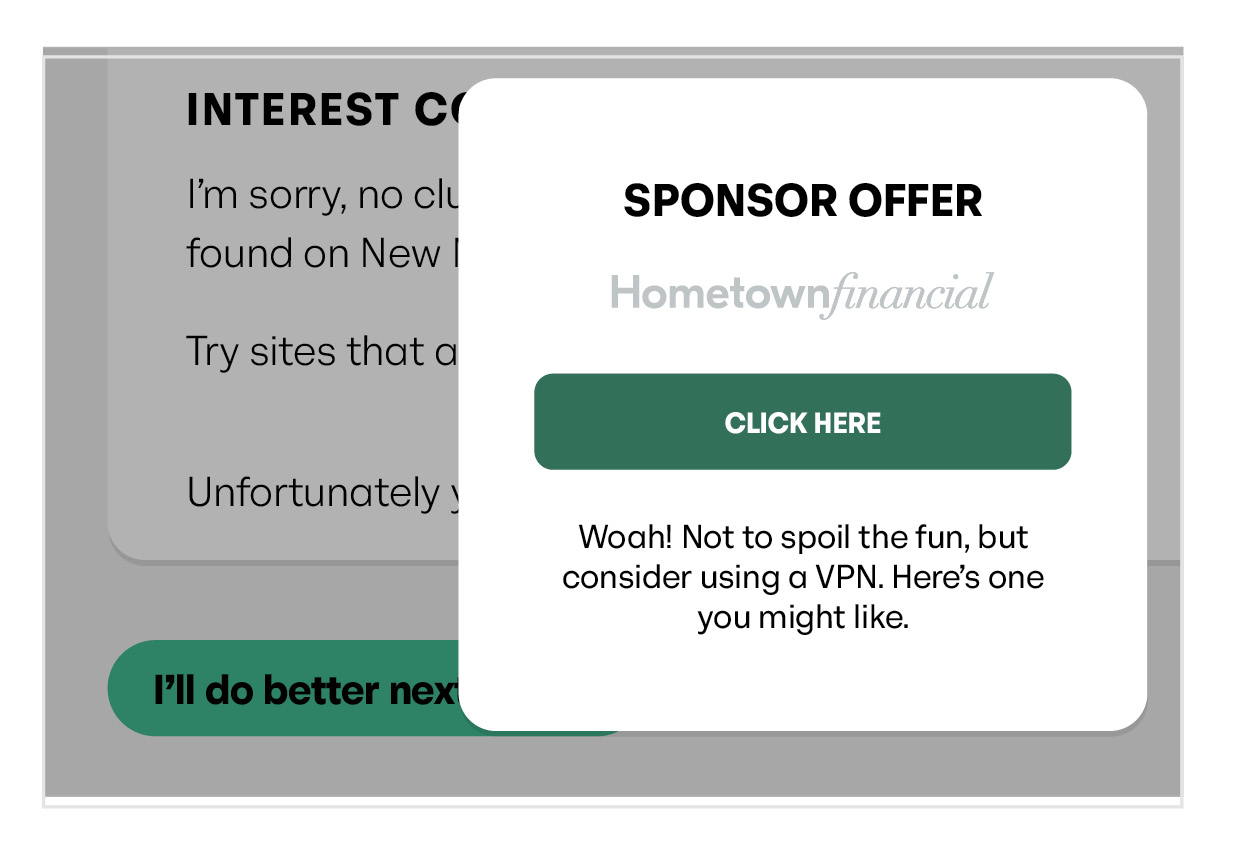
Pop-up
When the user clicks the Offer, a pop-up window appears asking the user to enter their contact information.
Link to a URL
When the user clicks the Offer, it acts as a link to a URL—a PDF, a web page, a product application, etc.
How to Create a Pop-up Offer
Email the following to your Banzai Representative:
- Header text (48 character limit)
- Footer text (173 character limit)
- Button label (17 character limit)
- Pop-up title (16 character limit)
- Pop-up text (173 character limit)
How to Create an Offer That Links to a URL
Email the following to your Banzai Representative:
- Header text (48 character limit)
- Footer text (173 character limit)
- Button label (17 character limit)
- Destination link—where the Offer should send users
Tips for High-Converting Offers
- Match the Offer to the Coach. Auto loan refinance Offer in the auto-loan Coach. Mortgage prequal Offer in the homebuying Coach.
- Keep the ask small. "Get a personalized rate" converts better than "Apply now."
- Track and iterate. Lead volume from each Offer shows up in the Manager—use that to refine your wording and placement.